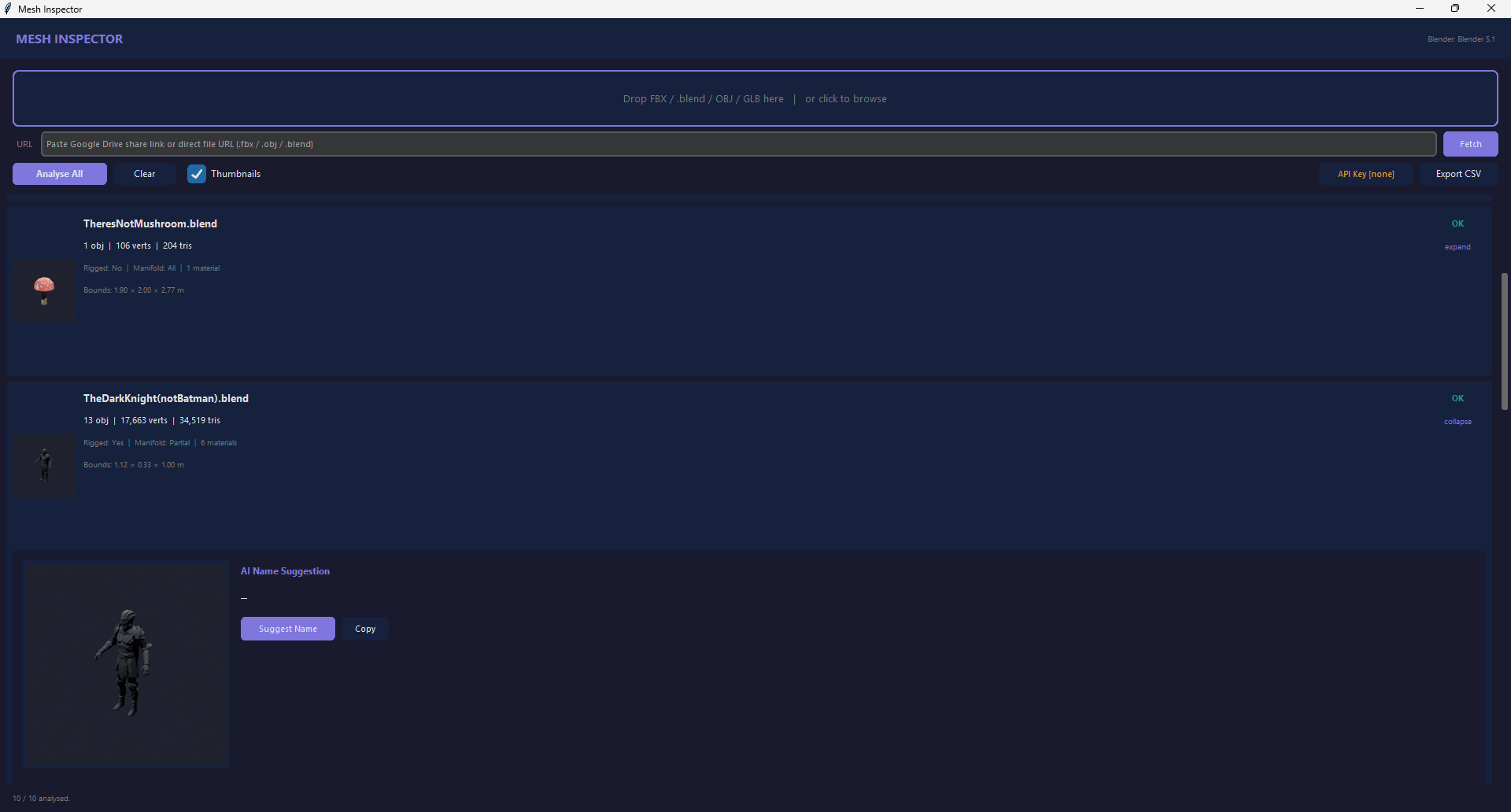
Analyse a whole folder — a thumbnail + report per file
Mesh Inspector
Drag in FBX, .blend, OBJ or GLB and get a clean report on every mesh.
FreeFree license
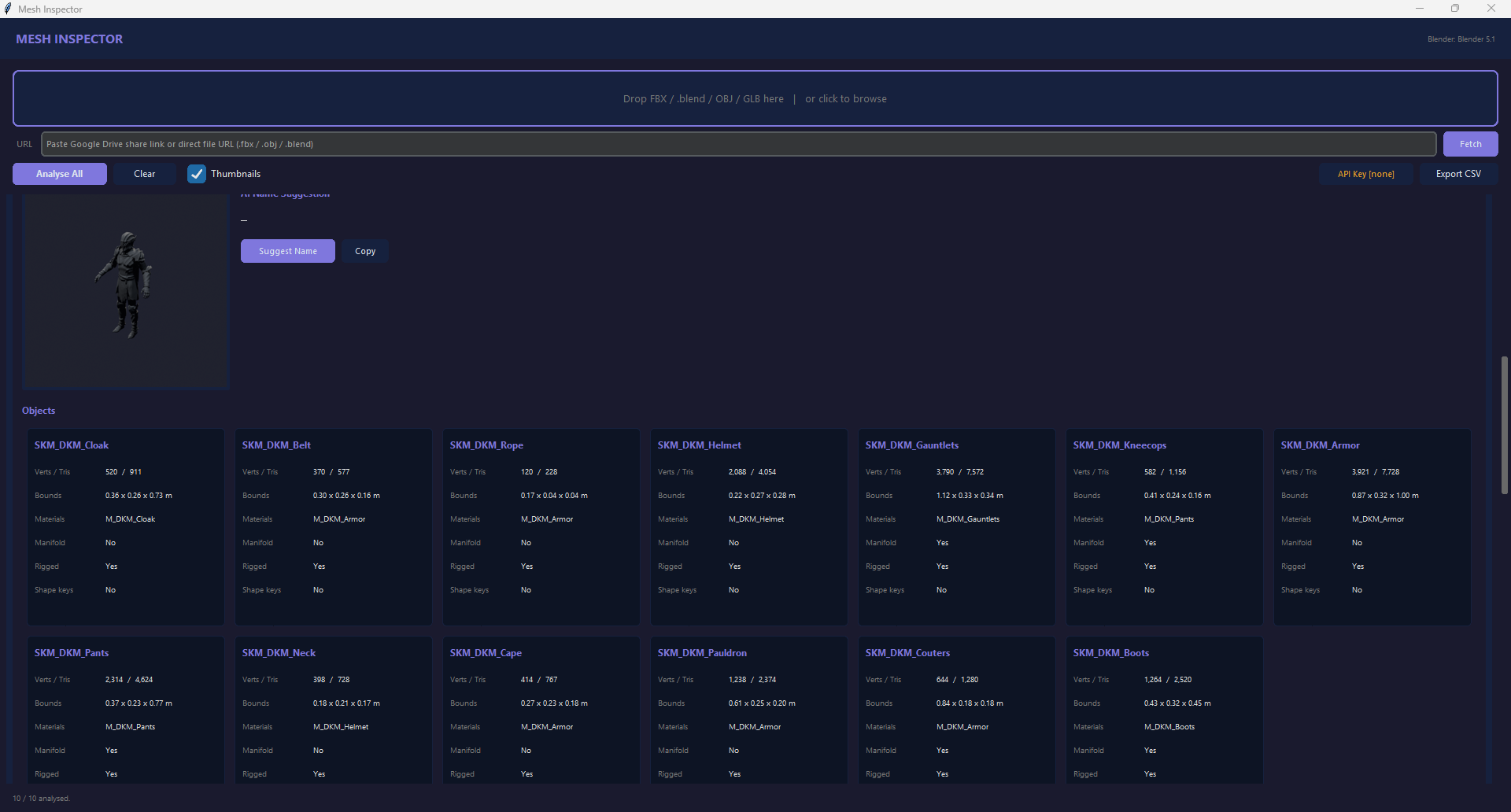
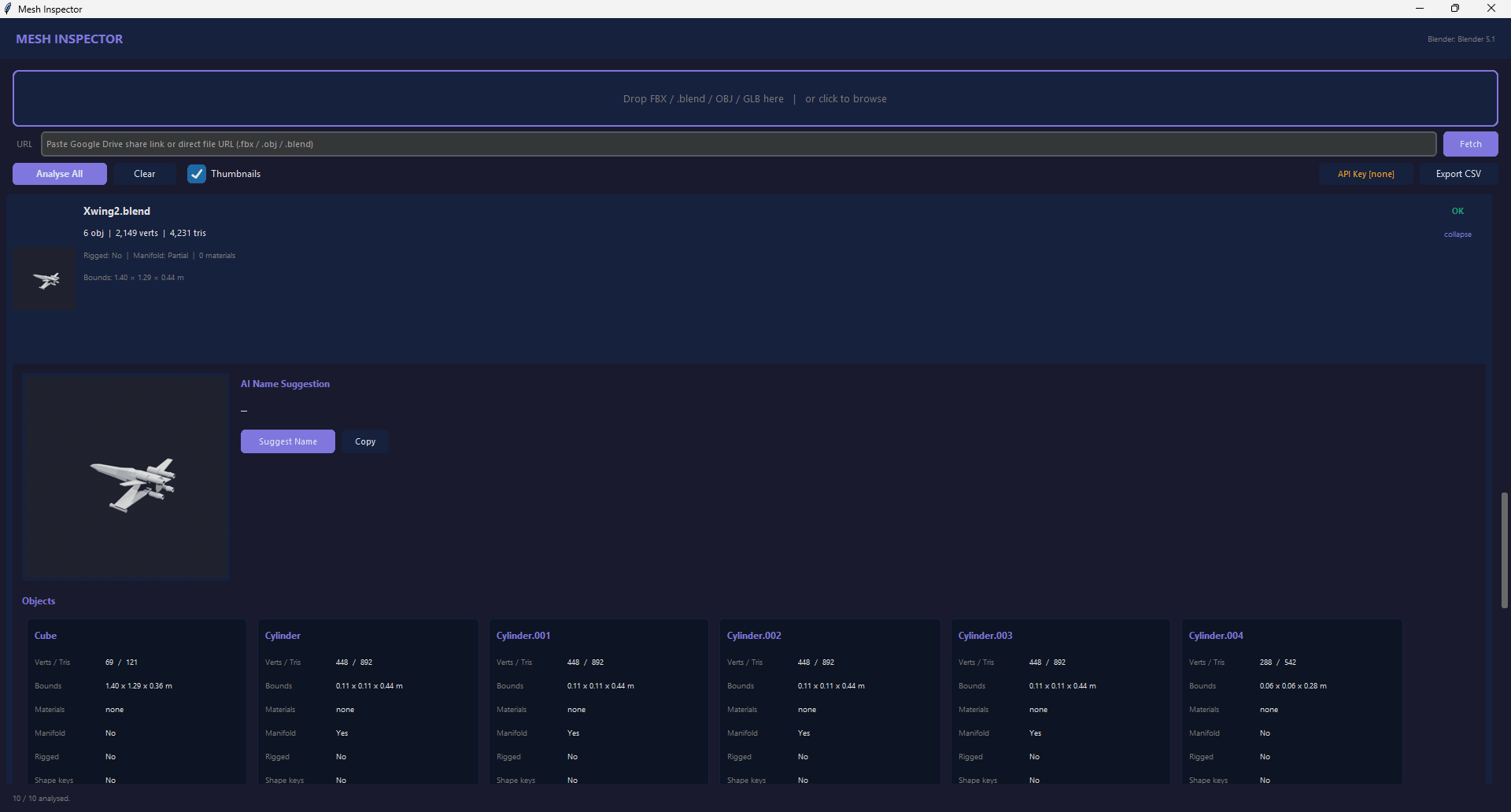
Know what a mesh file actually is — before you open it. Mesh Inspector is a drag-and-drop desktop app that reads FBX, .blend, OBJ and GLB files and gives you a clean report on each: object count, verts and tris, materials, manifold status, bounding size, and whether it's rigged or has shape keys — with a rendered thumbnail so you can see it at a glance.
Built for bulk. Drop a whole folder of unknown or badly-named files and get a row for every one, each expandable to a full per-object breakdown, and export the lot to CSV. It's the fastest way to identify, sort and tidy a messy library of 3D files.
Every common format. FBX, .blend, OBJ and GLB / glTF. For .blend and FBX it drives Blender under the hood, so the stats are real geometry — not guesses. (Optional: get an AI-suggested name for mystery files.)
Needs Blender installed. Mesh Inspector uses your Blender to open .blend / FBX files — it finds Blender automatically, or you point it at blender.exe once. Windows app, free.
A work in progress. This is an early release and still being tidied up — if you hit a bug, send it in and I'll get it fixed. (Comments + a report-a-problem spot are coming to this page.)
Features
- Reads FBX · .blend · OBJ · GLB / glTF
- Per-file report + rendered thumbnail
- Per-object stats: verts, tris, materials, manifold, rig, shape keys
- Bulk drag-and-drop — a whole folder at once
- Export everything to CSV
- Optional AI name suggestions for unnamed files